
29 August 2025 · ITC
Biometric time and attendance: costs, savings and setup
Late arrivals, buddy punching and manual timesheets drain money quietly. A biometric system replaces that with a clock-in that is hard to share, cleaner payroll, and a report someone can actually use.
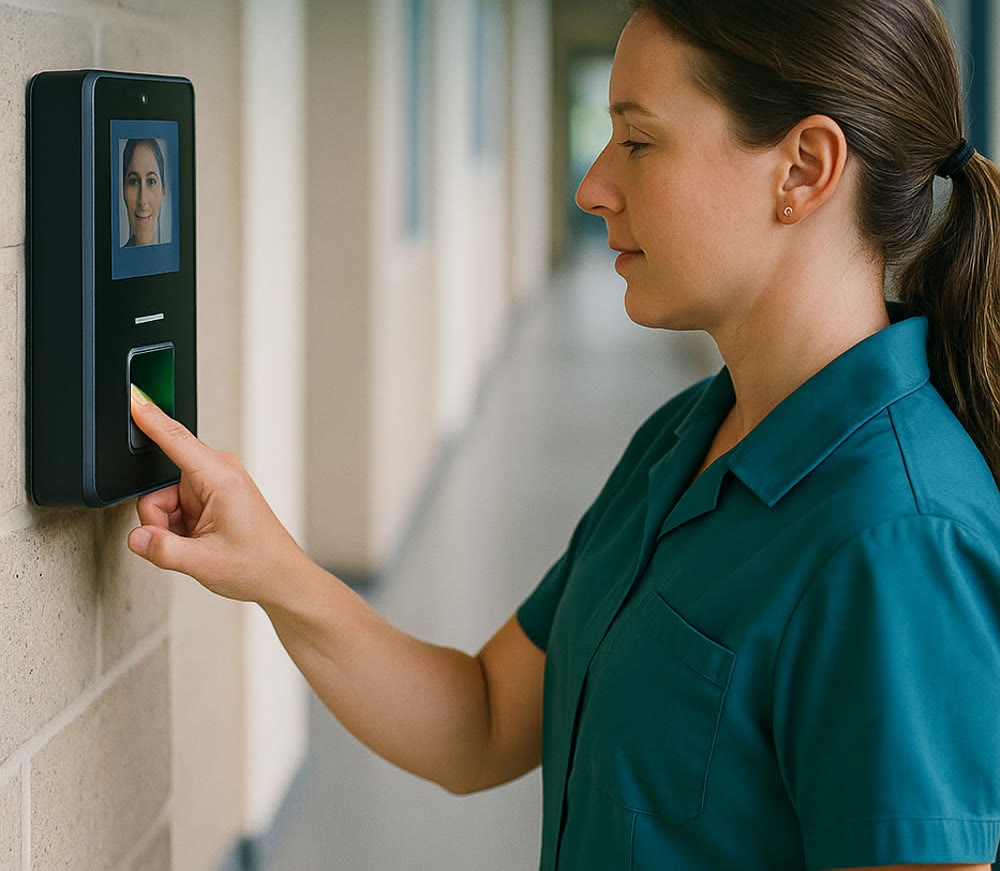
We install fingerprint and facial systems for schools, factories and offices across Cape Town. This is what to settle before you buy.
What you are already paying for
- Time that gets rounded, and five or ten minutes that “doesn’t count”, until it does. With 20 people that is a pile of paid hours.
- HR time spent repairing timesheets and leave, instead of the work those people were hired for.
- Disputes, because nobody can show what happened on a Tuesday.
What biometrics change
- The identity is the person. A card or a PIN can be passed along. A fingerprint or a face is harder to lend.
- The timestamp is the terminal’s, synced to one clock.
- Rules can cover overtime, grace, shift rates, paid breaks and leave types.
- Reports cover lateness, absence and overtime by cost centre, and can be exported to payroll.
Fingerprint or facial
Fingerprint is the affordable, reliable choice indoors: offices and schools. Facial recognition suits hygiene, a busy entrance, or a workshop where hands are oily or dusty. Current terminals cope better with hats and masks than the early ones did. We still test the entrance, because backlight and a queue change the choice.
Cloud or on the premises
- Cloud. Reports from anywhere, backups handled, quicker to add a second site. There is a monthly fee.
- On the premises. A once-off licence on your network. You look after backups and updates.
The same split is how we quote: buy the system, use the cloud, or take reader, software, hosting and support on a monthly fee. Details are on thetime and attendance page.
POPIA, in plain language
Enrol people with their consent. Limit who can open the software. Keep the records only as long as you need them. Use proper passwords and roles, not one shared login called “admin”. That is the baseline. Your own privacy notice still has to match how you use the data.
A typical setup
- Map the shifts, grace, overtime and leave codes before anyone mounts a terminal.
- Put the reader at the entrance people use. Sort power, network and surge protection or a small UPS.
- Enrol two or three fingers, or a quick facial capture, and assign departments.
- Export to payroll on the cycle you already run, weekly or monthly.
- Show managers the reports, HR the exceptions, and staff what they are supposed to do.
A savings example, not a promise
Take 10 minutes a day of time that should not have been paid, for 20 people, at R60 an hour. Ten minutes × 20 × 22 working days is about 73 hours a month, or about R4,380. A small biometric system often pays for itself in a few months on that arithmetic alone. Your wage rate and your leakage will differ. We will not pretend the saving is guaranteed.
Why ask ITC
- Shift rules, overtime and reports set up for the way South African payroll is run, not a default from another country.
- Hardware with software, cloud if you want it, or a monthly bundle of device, software, hosting and support.
- Local help when the staff list, the shifts or the sites change.
Phone 021 591 1204, WhatsApp072 289 2828, orrequest a time and attendance quotation.